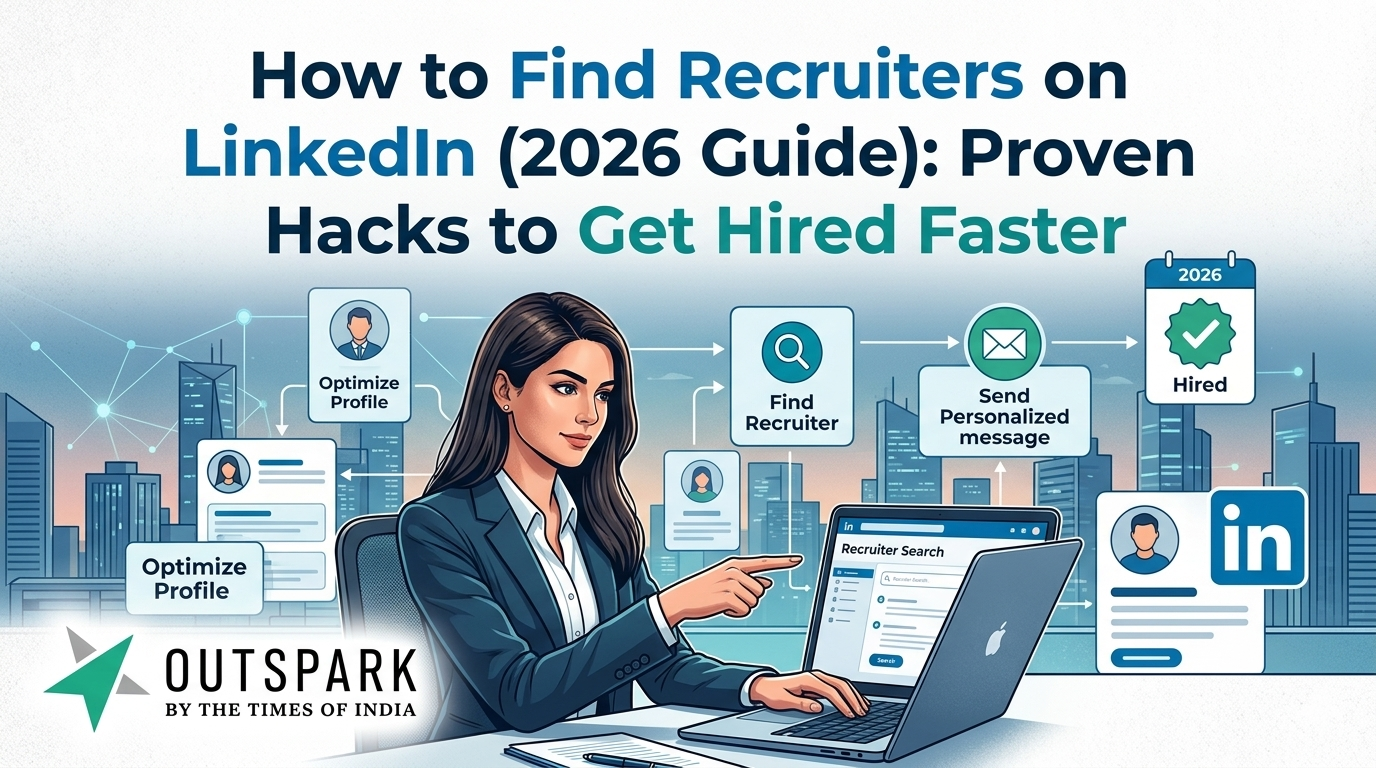
In 2026, your LinkedIn profile picture is no longer just a photo-it’s your personal brand asset. With AI tools like Nano Banana (from Google Gemini) transforming ordinary selfies into studio-grade portraits, professionals across industries are upgrading their digital presence in minutes instead of spending hundreds on photoshoots.
According to multiple AI imaging studies, prompt quality directly determines output quality, with structured prompts producing significantly better and more realistic results (arXiv). This means knowing what to type is just as important as the tool you use.
In this guide, you’ll discover:
- 10 high-performing AI prompts for LinkedIn headshots
- Proven prompt engineering techniques
- SEO-friendly tips to rank your LinkedIn profile higher
- Real-world use cases based on industries
Let’s dive in.
Why Your LinkedIn Headshot Matters in 2026
Your LinkedIn profile photo is often your first impression-and in many cases, your only chance to make one.
- Recruiters spend seconds scanning profiles
- Profiles with professional photos get significantly higher engagement
- AI-generated headshots now rival studio photography in quality
As one AI imaging guide puts it, your profile photo is your “digital handshake”.
With AI tools, you can now:
- Fix lighting, posture, and background instantly
- Match your industry’s expectations
- Maintain consistency across personal branding
How AI Prompting Works for Headshots
Before jumping into the prompts, it’s important to understand a simple formula that consistently works:
The Perfect Prompt Structure
[Style] + [Outfit] + [Background] + [Lighting] + [Expression] + [Camera Quality]
This structured approach improves realism and output accuracy significantly.
10 Best AI Prompts for LinkedIn Headshots (2026)
Below are the best-performing prompts (tested and optimised), inspired by real-world AI outputs and prompt libraries.
1. Classic Corporate (Men)
Best for: Finance, law, executives
Create a professional LinkedIn profile photo for a man. Wearing a dark navy business suit, crisp white shirt, and a subtle silk tie. Clean light gray studio background. Confident, approachable smile. High resolution, sharp focus, professional studio lighting, 8k quality.
👉 Why it works:
This prompt emphasises authority + trust, ideal for corporate roles.
2. Classic Corporate (Women)
Best for: Consultants, business leaders
Create a professional LinkedIn profile photo for a woman. Wearing a tailored black business blazer and a professional blouse. Soft natural makeup. Clean white studio background. Friendly and confident expression, looking directly at the camera. Soft cinematic lighting, high quality, photorealistic.
👉 Why it works:
Balances professionalism with approachability.
3. Modern Startup Style (Unisex)
Best for: Tech, startups, creatives
Professional headshot, modern startup style. Wearing smart casual attire, a high-quality polo or simple button-down shirt. Blurred modern open-plan office background with glass walls and natural light. Depth of field (bokeh). Approachable, energetic, and genuine smile. DSLR photography style.
👉 Why it works:
Communicates innovation + relatability.
4. Executive Studio (Dark Mode)
Best for: CEOs, speakers, thought leaders
High-end executive portrait. Wearing a dark charcoal suit. Dramatic side lighting with a subtle rim light to separate from the background. Dark textured abstract background. Serious but confident expression. Cinematic quality, 8k resolution, detailed texture.
👉 Why it works:
Creates a powerful, authoritative presence.
5. Outdoor Natural Headshot
Best for: Coaches, freelancers
Professional headshot taken outdoors during golden hour. Soft blurred city park background with beautiful bokeh. Wearing business casual attire. Warm natural lighting. Natural smile, looking at the camera. High quality 85mm lens photography.
👉 Why it works:
Builds trust and authenticity.
6. Minimalist Studio (Color Background)
Best for: Designers, personal branding
Professional portrait with a solid vibrant blue background (or brand color). Minimalist composition. Wearing a simple black t-shirt or turtleneck. Even studio lighting. Sharp focus on eyes. Modern and clean aesthetic.
👉 Why it works:
Perfect for brand consistency and recognition.
7. Tech Keynote Speaker Style
Best for: Public speakers, tech professionals
Keynote speaker portrait. Wearing a casual blazer and t-shirt. Dark background with subtle stage lighting effects (blue and purple rim lights). Confident posture. Looking slightly off-camera or directly at the lens. High-tech, professional atmosphere.
👉 Why it works:
Creates a thought leader persona.
8. Soft & Airy Lifestyle Headshot
Best for: Wellness, influencers
Bright and airy professional portrait. Wearing light-colored clothing (beige, white, or cream). Bright indoor setting with large windows and sheer curtains. Soft diffused lighting. Genuine, happy smile. Clean and fresh aesthetic.
👉 Why it works:
Conveys warmth and positivity.
9. Black & White Classic Portrait
Best for: Artists, writers
Black and white professional headshot. Classic studio photography. High contrast lighting (Rembrandt lighting). Wearing a simple black sweater. Serious, thoughtful expression. Sharp details, rich textures. Timeless and artistic.
👉 Why it works:
Adds timeless elegance and depth.
10. Friendly Casual Professional
Best for: Sales, customer-facing roles
Casual professional headshot. Wearing a plaid shirt or casual sweater. Blurred home office or cafe background. Warm lighting. Big, friendly smile. Natural look, high resolution, photorealistic.
👉 Why it works:
Maximises approachability and trust.
Pro Tips to Get Better AI Headshots
1. Use High-Quality Input Images
AI works best with:
- Clear lighting
- Front-facing angles
- Minimal blur
2. Add Specific Instructions
The more detailed your prompt, the better the output.
Example:
- ❌ “Professional headshot”
- ✅ “Professional headshot with soft lighting, eye contact, DSLR quality”
3. Control Lighting for Realism
Lighting is one of the most critical elements in prompt design, often overlooked by beginners (Reddit).
4. Request Natural Imperfections
Adding small imperfections (like subtle shadows or texture) increases realism (TechRadar).
SEO Tips: Make Your LinkedIn Profile Rank Higher
Your headshot is just one piece. To maximize visibility:
Optimize Your Profile:
- Use keywords in headline
- Add industry-specific skills
- Write a compelling “About” section
Pair Your Photo With:
- Clean background
- Professional banner
- Consistent branding
Common Mistakes to Avoid
❌ Over-editing (unnatural skin or features)
❌ Unrealistic lighting
❌ Wrong attire for your industry
❌ Ignoring facial expression
AI can enhance-but authenticity still wins.
Future of AI Headshots in 2026
AI tools are evolving rapidly:
- 4K ultra-realistic rendering
- Identity preservation improvements
- Multi-angle generation
Research shows AI models now deliver high subjective visual quality, often surpassing traditional methods in perceived realism (arXiv).
Final Thoughts
AI has completely transformed professional photography.
With the right prompts, you can:
- Save time and money
- Create studio-quality headshots instantly
- Align your image with your personal brand
The key takeaway?
👉 Your results depend on your prompts.
Use the 10 prompts above, tweak them based on your industry, and you’ll have a LinkedIn headshot that stands out in 2026.
FAQs
1. Can AI headshots replace professional photography?
Yes, in most cases. AI now produces near-studio quality images.
2. Which prompt is best for beginners?
Start with Classic Corporate-it’s the safest and most widely accepted.
3. Do recruiters care about profile photos?
Absolutely. Your photo significantly impacts profile engagement.