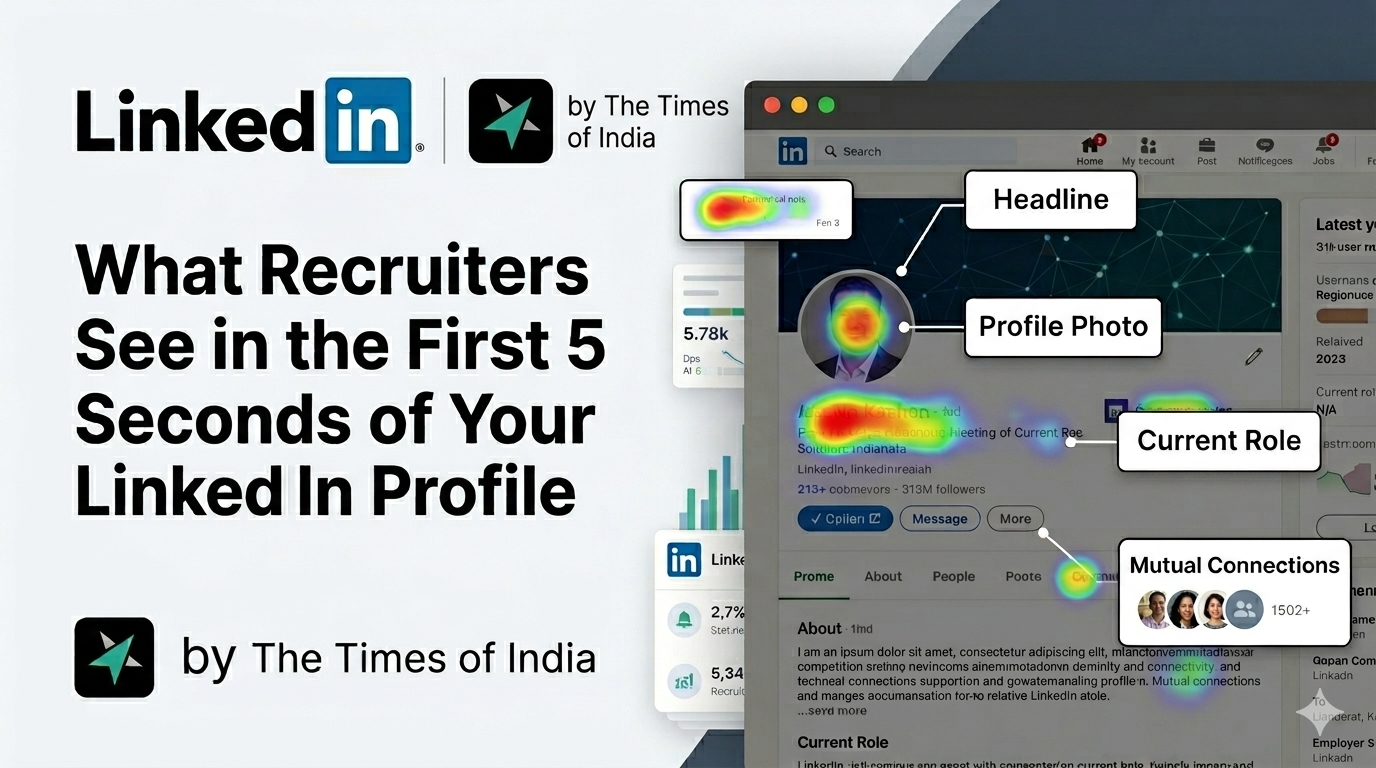
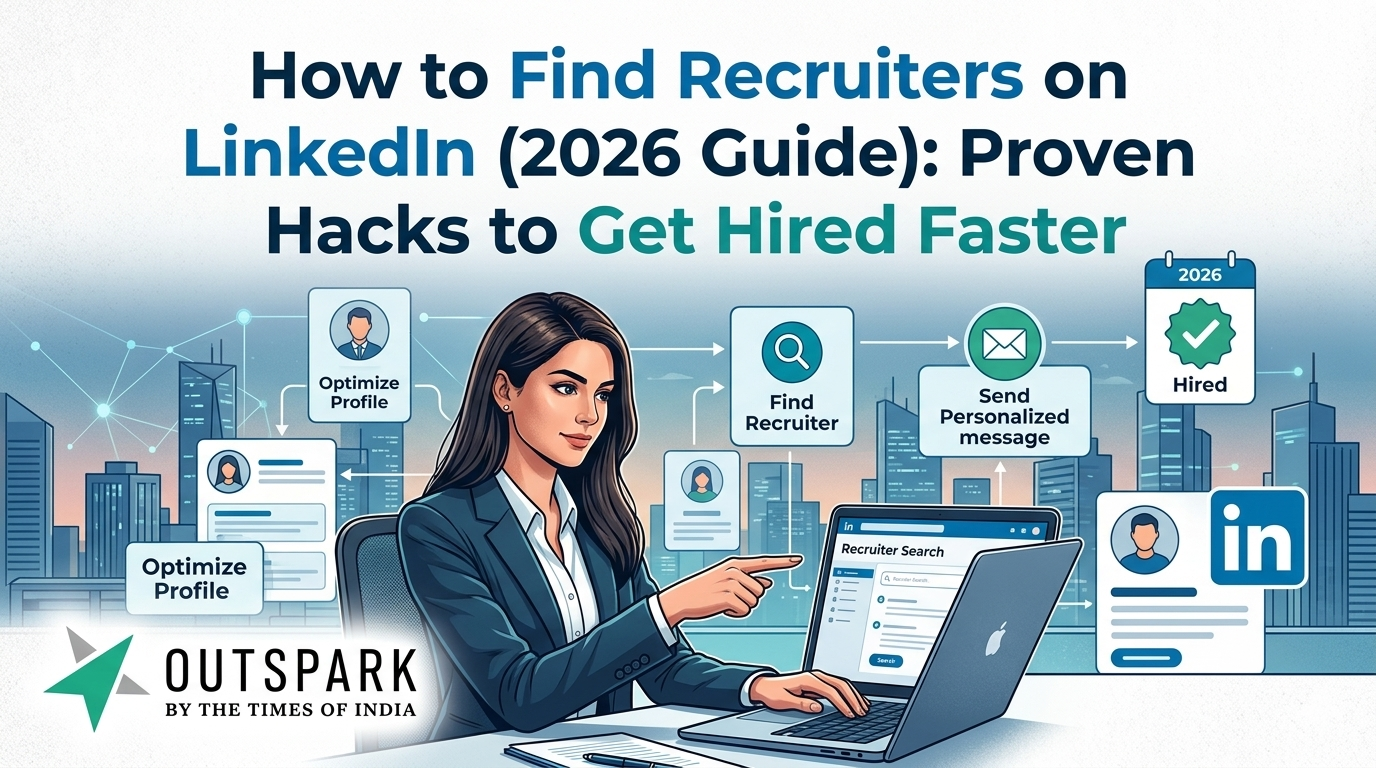
Introduction: Why Finding Recruiters on LinkedIn Is the Smartest Job Strategy Today
If you’re still applying to jobs blindly on LinkedIn, you’re playing the job search game the hard way.
Here’s the reality: the average job receives 200+ applications, overwhelming recruiters and drastically reducing your chances of getting noticed.
That’s exactly why finding and connecting directly with recruiters on LinkedIn is no longer optional, it’s essential.
LinkedIn has evolved into a powerful talent search engine, not just a job board. Recruiters actively search for candidates using advanced filters, AI recommendations, and keyword-based systems.
And here’s the big insight:
👉 If you know how recruiters search, you can position yourself exactly where they’re looking.
This guide will walk you through:
- How to find recruiters on LinkedIn
- How to identify actively hiring recruiters
- How to find hiring managers from job posts
- What to message recruiters (with proven templates)
- Why LinkedIn promotes recruiter activity and how to leverage it
Let’s dive deep.
Why LinkedIn Promotes Recruiters (And Why It Matters for You)
LinkedIn’s entire business model is built around hiring.
Recent data shows LinkedIn’s AI-powered hiring tools are expected to generate $450 million annually, highlighting how critical recruitment is to the platform.
🔑 Here’s how LinkedIn prioritises recruiters:
- AI matching systems connect recruiters with relevant candidates automatically
- Recruiters use tools like LinkedIn Recruiter with 40+ filters to find talent
- Profiles are ranked based on:
- Keywords
- Activity
- Connection proximity
- Engagement
👉 This means:
- Recruiters are constantly searching
- LinkedIn is constantly promoting those searches
- And YOU can get discovered, if you play it right
How LinkedIn Recruiter Search Actually Works
Think of LinkedIn as Google for professionals.
Recruiters don’t scroll endlessly, they search using keywords like:
If your profile doesn’t match those keywords, you simply don’t exist in their results.
⚙️ Key Ranking Factors:
- Keyword Match (Most Important)
- Profile completeness
- Activity & engagement
- Response likelihood
- Network proximity
Your headline alone is one of the most important ranking factors.
👉 Bottom line:
LinkedIn rewards searchable profiles + active users
Step-by-Step: How to Find Recruiters on LinkedIn
1. Use LinkedIn Search the Right Way
Search like a recruiter would:
Examples:
- “Talent Acquisition + [Your Role]”
- “Recruiter + Hiring + [Industry]”
- “HR + Hiring + [Company Name]”
Filters to Apply:
- People
- Location
- Current Company
- 2nd-degree connections
👉 Pro Tip: Always filter for “2nd-degree connections” – you’re more likely to get a response.
2. Use Boolean Search (Advanced Hack)
Search smarter:
This mirrors how recruiters search candidates and helps you find them faster.
LinkedIn Hack #1: How to Find Actively Hiring Recruiters
Finding recruiters is easy. Finding active recruiters is where most people fail.
Method 1: Look for Recent Activity
- Check their posts
- Look for:
- “We’re hiring”
- “Urgent opening”
- “Looking for candidates”
👉 Recruiters who posted in the last 7 days are your best bet.
Method 2: Use “Open to Hiring” Signals
LinkedIn highlights recruiters actively hiring through:
- Job posts
- Hiring banners
- Engagement signals
Recruiters prioritise candidates who show interest and responsiveness.
Method 3: Search Posts Instead of People
Go to LinkedIn → Search → Posts
Type:
- “Hiring [Your Role]”
- “Looking for [Your Role]”
👉 This surfaces real-time hiring intent
Method 4: Apply Early (Critical Insight)
From community insights:
“Applying within 24 hours + messaging recruiter works best.”
This is huge.
👉 Most jobs get filled or shortlisted early
👉 Late applicants get ignored
LinkedIn Hack #2: How to Find Hiring Managers from Job Posts
Most people miss this completely.
📌 Step-by-Step:
1. Open a Job Posting
2. Scroll to “Meet the Hiring Team”
3. If not visible:
- Search company employees
- Filter by:
- HR
- Talent
- Hiring Manager
🎯 Pro Strategy:
Search:
Then:
- Look for employees posting about the role
- These are often decision-makers
💡 Why This Works
Recruiters are not always decision-makers.
Hiring managers:
- Have direct influence
- Can fast-track your application
LinkedIn Hack #3: What to Message Recruiters (What Works vs Doesn’t)
❌ What DOESN’T Work
- “Hi, I’m looking for a job”
- Copy-paste generic messages
- Long paragraphs
- No personalisation
✅ What Works (Proven Template)
💬 Short + Value-Driven Message
💡 Why This Works
Recruiters prioritise:
- Relevance
- Clarity
- Response likelihood
LinkedIn even ranks candidates based on likelihood to respond.
✉️ Advanced Messaging Strategy
Follow this sequence:
- Connect with note
- Engage with their content
- Message after 1or 2 days
👉 This increases reply rates significantly
Best Strategy: Combine Job Applications + Recruiter Outreach
The smartest candidates do BOTH:
Step 1: Apply to job
Step 2: Find recruiter
Step 3: Message them
👉 This increases visibility by 3-5x
Hidden LinkedIn Tricks Most People Don’t Know
1. Turn On “Open to Work”
- Boosts visibility in recruiter searches
- Signals intent
2. Optimise Keywords
- Use exact job titles
- Add tools & skills
3. Stay Active
- Post, comment, engage
Profiles with higher activity rank better in search.
4. Build Connections Strategically
- Connect with recruiters
- Connect with employees
👉 Network proximity affects ranking
Why Most People Fail to Find Recruiters
Let’s be honest:
Most job seekers:
- Apply and wait
- Don’t optimise profiles
- Don’t message recruiters
Meanwhile, recruiters are:
- Searching actively
- Filtering aggressively
- Responding selectively
👉 The gap is strategy not opportunity.
How OutSpark Helps You Stay Consistent (Game-Changer)
Let’s talk about the real problem:
Consistency.
Most people:
- Try LinkedIn for 3-5 days
- Stop posting
- Stop reaching out
And disappear from recruiter visibility.
OutSpark ensures you:
- Stay visible
- Stay relevant
- Stay top-of-mind
Final Thoughts: The Real LinkedIn Job Search Strategy
If you take one thing from this blog, let it be this:
👉 Jobs don’t go to the best candidates. They go to the most visible candidates.
To win on LinkedIn:
- Don’t just apply
- Find recruiters
- Reach out
- Stay consistent
And most importantly:
👉 Treat LinkedIn like a search engine, not a resume.